I wrote a script that copies your orders from TradingView (cTrader) to MT5 — a handy tool for anyone trading prop firm accounts or running several accounts.
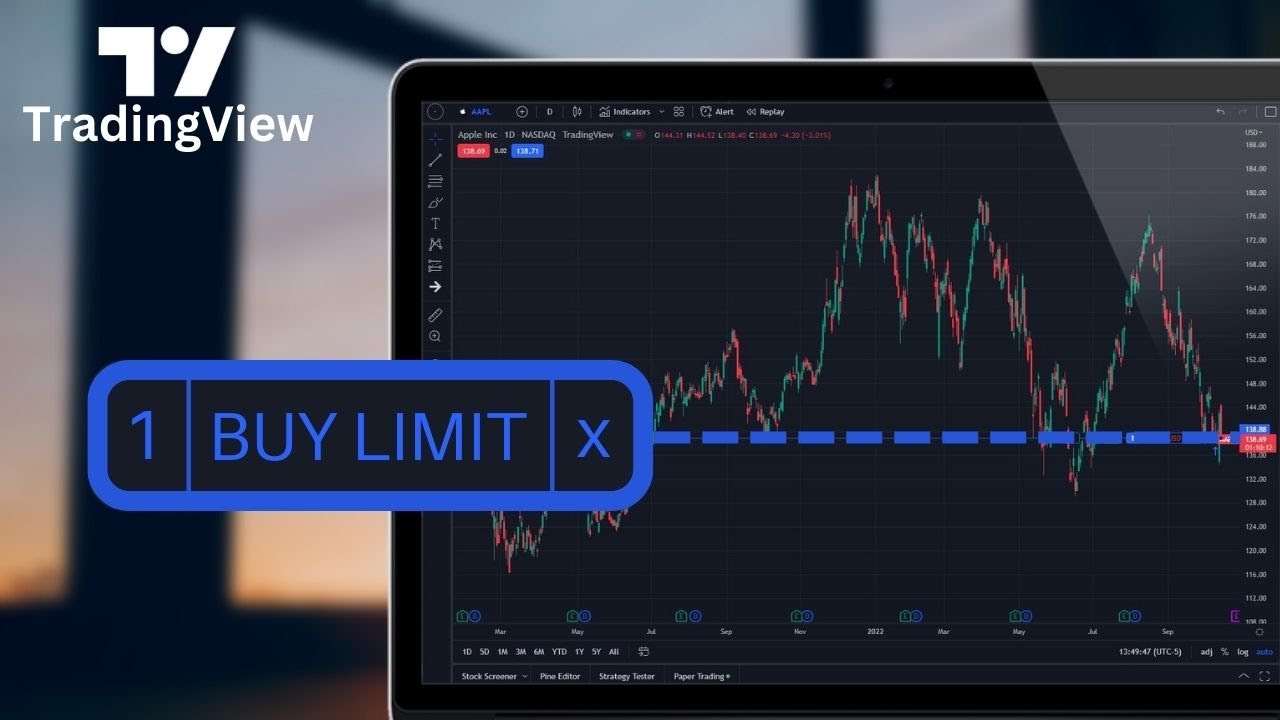
Copy orders from brokers that use cTrader to MT5.
Requires a cTrader broker connected to TradingView.
When the host account opens an order, it is copied to your MT5 accounts.
If you are a forex trader with several trading accounts, opening the same order on all of them by hand takes a lot of time, especially when the market moves as fast as it does today. I built this service to save you time and cut mistakes when copying orders from TradingView (cTrader) to MT5. It suits traders with several prop firm accounts.
You can copy orders from a broker's demo (cTrader) account to your real MT5 account. If your broker supports trading directly on TradingView, you only trade on TradingView and the script copies the orders to your MT5 sub-accounts.
Learn more about me
The trading bot will apply trading theories (SMC, Dow, ...) to analyse the market and find entry and exit signals. These features will arrive once the trading bot is finished
Because I wrote it for my own use, and there are not many services like this to choose from, especially ones that work directly from TradingView with prop trading firms.
Limit/stop orders are copied when the market opens, at opening time + 15 minutes. For example, the market opens at 5:00 AM Monday to Friday. If you place a limit order at the weekend, it is saved and executed 15 minutes after the market opens on the next trading day.
Coming soon. You will be able to enter your own list of symbol mappings.
Yes. The access token you grant the copy site can only read basic account information, open orders, and receive notifications when you open new orders from cTrader/TradingView.